₱1,000.00 Alumni Discount
This refresher course package is exclusively available to alumni of the Beginner and/or Intermediate courses.
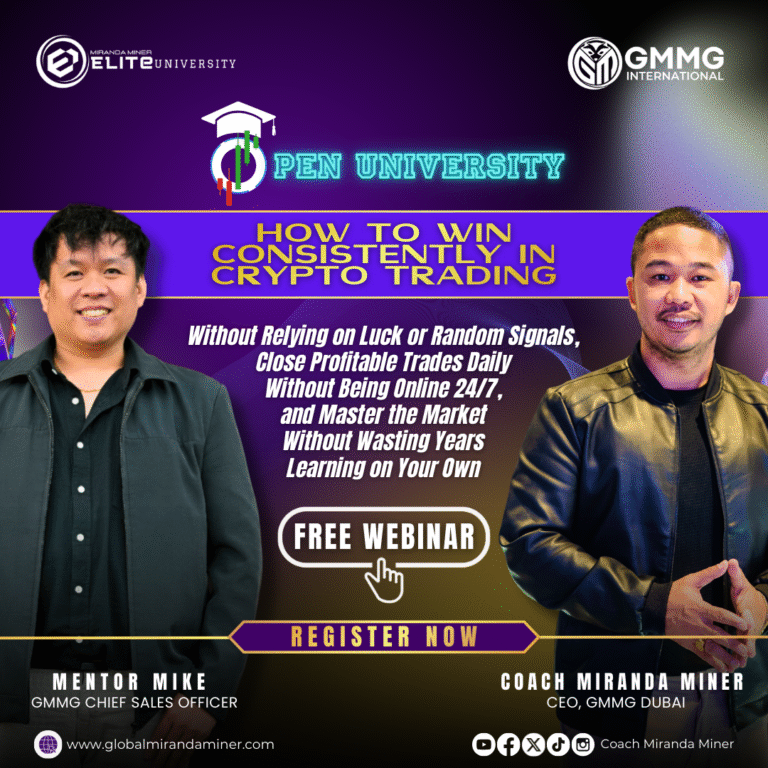
Learn the Fundamentals of Cryptocurrency Trading and the Proven FEAST System by Coach Miranda Miner
Master the essential concepts of crypto trading and discover the FEAST system designed to help you trade profitably
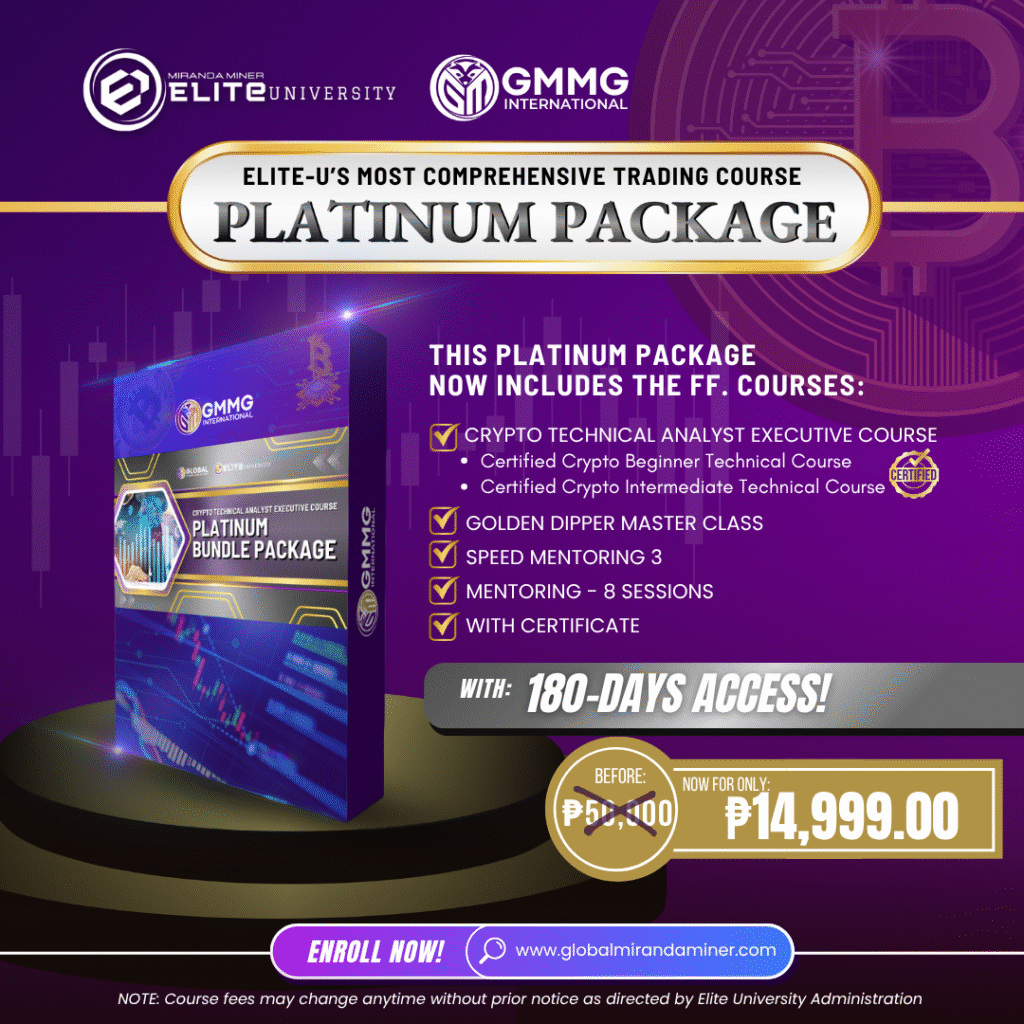
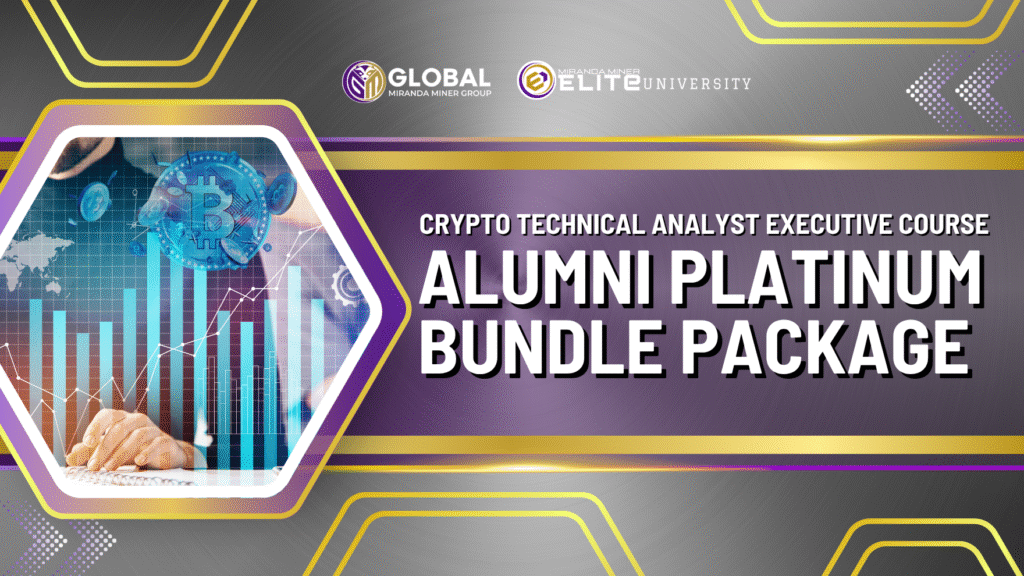
thru this CRYPTO TECHNICAL ANALYST EXECUTIVE COURSE – ALUMNI PLATINUM BUNDLED PACKAGE.
This program also includes lessons on wallet management, position sizing, and strategies to protect your capital—perfect for beginners.
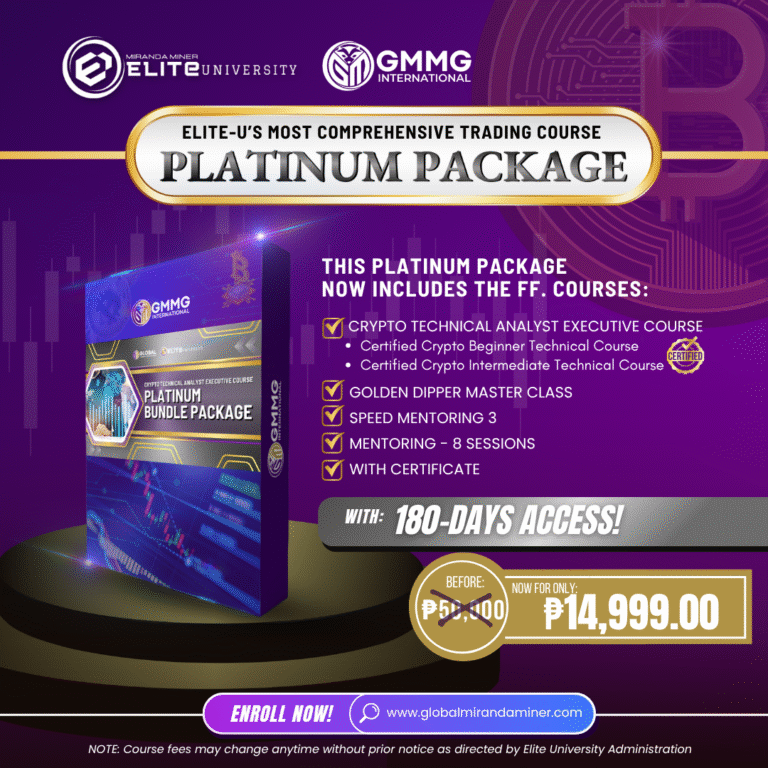
Course Inclusions:
-
Certified Crypto Beginner Technical Course
-
Certified Crypto Intermediate Technical Course
-
Two Mentoring Programs (Total of 8 Mentoring Sessions)
-
Master Class Golden Dipper
- Speed Mentoring 3
Course Access Duration: 180 days
Note:
-
Mentoring sessions are non-transferable and cannot be split among multiple participants.
-
Sessions must be completed within the 3rd or 4th month of enrollment; otherwise, they will be forfeited and allocated to GMMG.
Certificate Awarded: Crypto Technical Analyst Executive
Important:
Preferred mentors and mentoring schedules are available on a first-come, first-served basis.
Mentoring Duration:
This program includes 8 weekly sessions, 1 hour and 15 minutes per session, conducted once per week
Refund Policy:
All payments are non-refundable once verified.
Please email elite@globalmirandaminer.com for your discount.
Our courses use a mix of English and Filipino languages.
___________________________________________________________
DISCLAIMER ON THE SEC RULING:
This content is published by Global Miranda Miner Group LLC FZ, a Dubai-based entity. All information is for educational and informational purposes only and does not constitute financial advice or investment solicitation. Crypto trading involves substantial risk and may not be suitable for all individuals. Always do your own research. This material is not intended to market, offer, or promote securities or financial products to residents of the Philippines in compliance with the Securities and Exchange Commission (SEC) of the Philippines.
By clicking add to cart you acknowledge that you are in a jurisdiction where the exchange platforms discussed in this course are allowed.